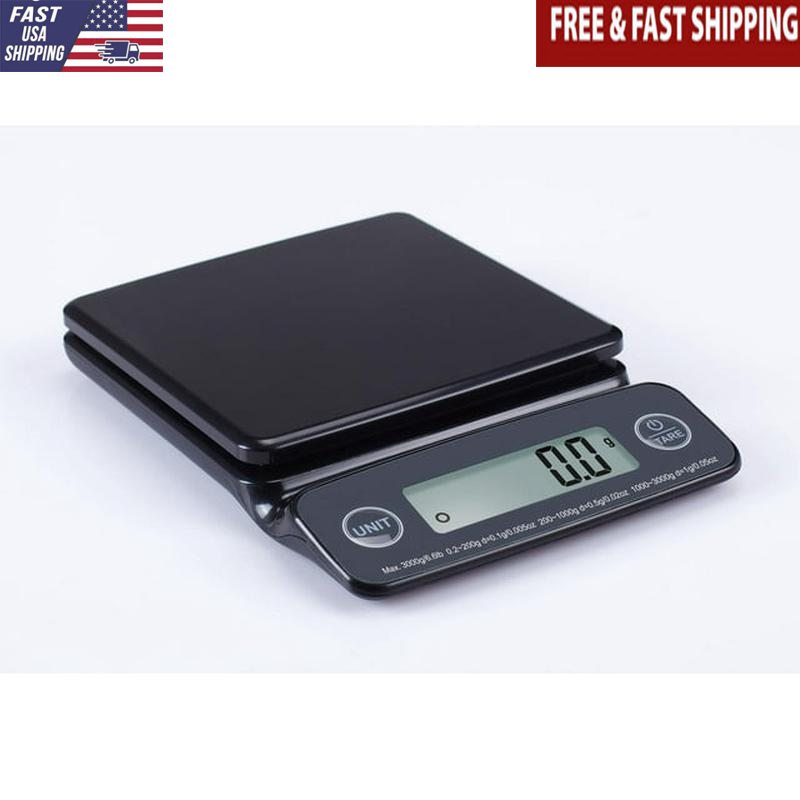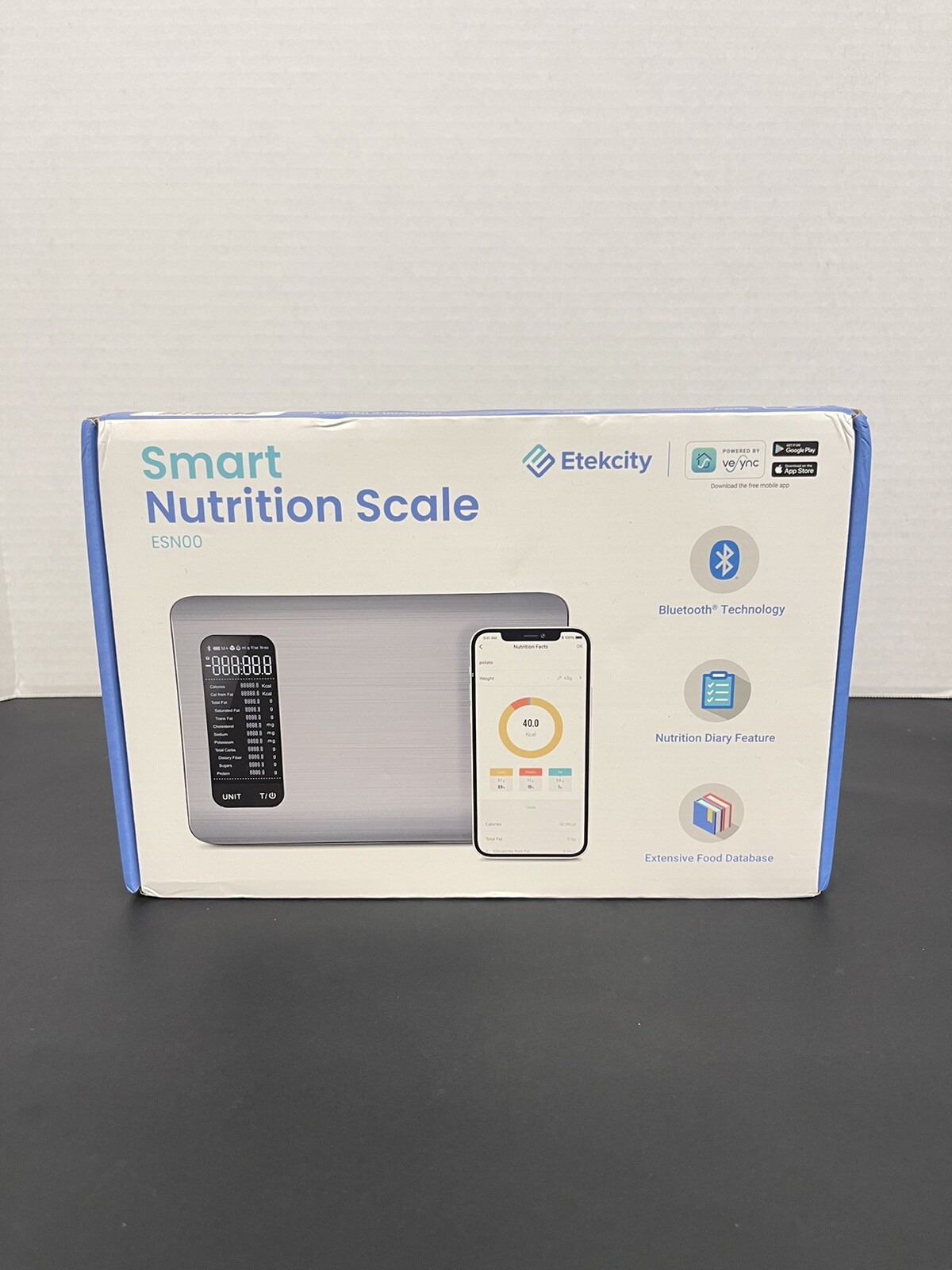


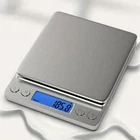
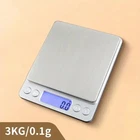
Digital Kitchen Scale Food Scale for Precise Weighing of Ingredients Accu Weight
$ 7.76
Description
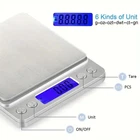
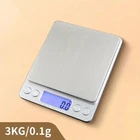
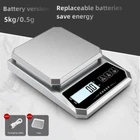
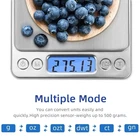
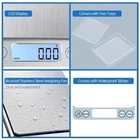
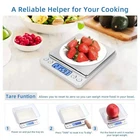
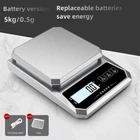
Calibration: 1:Reset the scales by pressing [ON/OFF] key 2: Wait until the LCD display "0.0" and then press and HOLD [UNITS] or [MODE] key for 3 seconds,the LCD will display "CAL",and then release the [UNITS] or [MODE] key 3:Press [UNITS] or [MODE] key again,the LCD will display "CAL" followed by the required calibration weight 4:Add the required calibration weight,the display will show "PASS" and return to normal weighing mode.(some item need Press [Units] or [MODE] key before step 4) 5:Put away the calibration weigh and press [ON/OFF] to turn off the scales and the calibration is finished. Operation instruction: Please put the scale on flat table 1:Press [ON/OFF] to switch on 2:You can press"M" to unit conversion when 0.0 or 0.00 show on the LCD 3:Put the goods on the scales after using conversion Attention: 1:Do not operate beside the computer or someplace with high radiation,do not have wind. 2:Remember to take off the battery when you do not use it for a long time,do not store in humid environment 3:Need to be cleaned when the scale body have stains,wiping with dry towel is okay. 4:Pay attention to the waterproof 5:Due to the international logistics,the scales is without battery,you need to prepared yourself. Thanks a lot for your support and understand Package includes: 1XDigital scale( without battery )